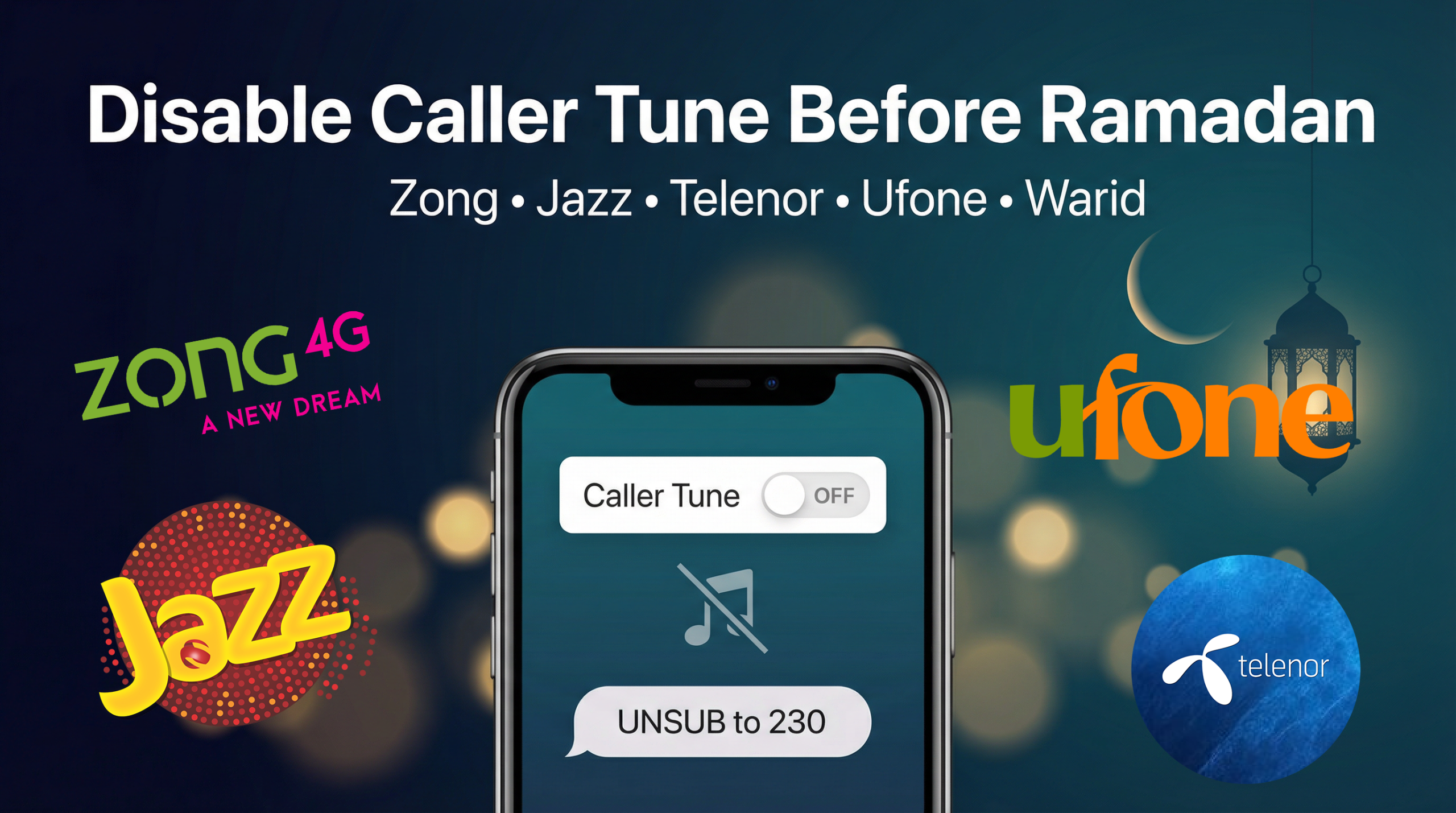
Ramadan is a time to reset our routines and remove distractions. One quick improvement you can make is disabling your caller tune / ringback tone (RBT)—the music or audio a caller hears while waiting for you to answer.
Many people keep these services active without realizing they can be subscription-based. And from a faith perspective, it’s also wise to avoid broadcasting content that may be inappropriate.
Below are the easiest ways to turn off caller tunes on Pakistani mobile networks.
How to Disable Caller Tune (RBT) on Pakistan Networks
Use the following SMS codes to unsubscribe:
Zong — Disable Caller Tune
- Type:
UNR - Send to:
230
Telenor — Disable Caller Tune
- Type:
UNSUB - Send to:
230

Jazz (Mobilink) — Disable Caller Tune
- Type:
UNSUB - Send to:
230

Ufone — Disable Caller Tune
- Type:
UNSUB - Send to:
666

Warid — Disable Caller Tune
- Type:
RBT OF - Send to:
7171
Tip: After sending the SMS, you may receive a confirmation message. If you don’t, restart your phone and test by calling your number from another phone.
Why You Might Want to Turn It Off (Especially Before Ramadan)
1) Avoid unnecessary charges
Caller tunes are often billed as a recurring service. Disabling it can help reduce monthly deductions.
2) Avoid sharing responsibility for inappropriate content
If your caller tune includes music or content you wouldn’t want others to hear, turning it off is a simple step toward cleaner habits—especially during Ramadan.
Quick Checklist
- Call your number from another phone to confirm the tune is gone
- Check your balance/deductions over the next few days
- If it’s still active, contact your network support and ask them to disable RBT/caller tune on your line
What is a caller tune (ringback tone)?
A caller tune (also called a ringback tone or RBT) is the audio the caller hears while waiting for you to answer—different from your phone’s ringtone.
Will disabling the caller tune remove my normal ringtone?
No. This only stops the audio heard by people who call you. Your personal ringtone remains unchanged.
Is there a fee to unsubscribe?
Usually, sending an SMS to unsubscribe is free or low-cost, but it depends on the network. Any ongoing subscription charges should stop after successful deactivation.
The code didn’t work—what should I do?
Codes and short numbers can change. If the SMS method fails:
Use the network’s official app/website (if available), or
Call customer support and request: “Please deactivate caller tune / RBT on my number.”
Can I re-activate it later?
Yes. Networks typically allow reactivation anytime via their caller tune service.
Disclaimer: The SMS codes shared here are commonly used for unsubscribing from caller tune/ringback tone (RBT) services in Pakistan. Network procedures may change over time. For the most accurate and updated method, verify with your mobile network’s official support channels.